Kiddom Florida Math Grades 6–8
Built from the ground up for Polk County classrooms, alongside Florida teachers and leaders. See how Kiddom Florida Math comes together in a 6–8 classroom.
Florida’s vision shape every lesson
Aligned to B.E.S.T.: Every lesson is sequenced to Florida’s standards.
Guided by the B1G-M: Skills and concepts build through a clear, connected progression.
Track mastery with ALDs: See where students are in their understanding of grade-level content.
Build reasoning with MTRs: Strengthen mathematical thinking and communication throughout each lesson.
Prepare for FAST: Checks for understanding and varied question types build assessment-ready skills.




Explore Kiddom Florida Math
We recommend viewing the walkthrough video for an in depth look at Kiddom Florida Math.
Use the toggle at the top of the demo page to switch between the teacher and student views and see both sides of the lesson.
Inside a lesson:

Kiddom Florida Math digital walkthrough guides



Learning Intelligence Technology
Intelligent tools that connect student learning to your next instructional steps.

Screen time savers
Less time with students in front of screens. More time engaging in discourse and with the math.

Support for Teachers
Achievement level descriptors are built into the curriculum for support teachers can use in the moment.

Building Thinking Classrooms
Discourse and grouping routines support a Building Thinking Classroom environment in every lesson.
Print for every grade level
View print samples of the 6–8 Teacher Edition, Student Edition, and Course Guide.
Spanish samples are available upon request.
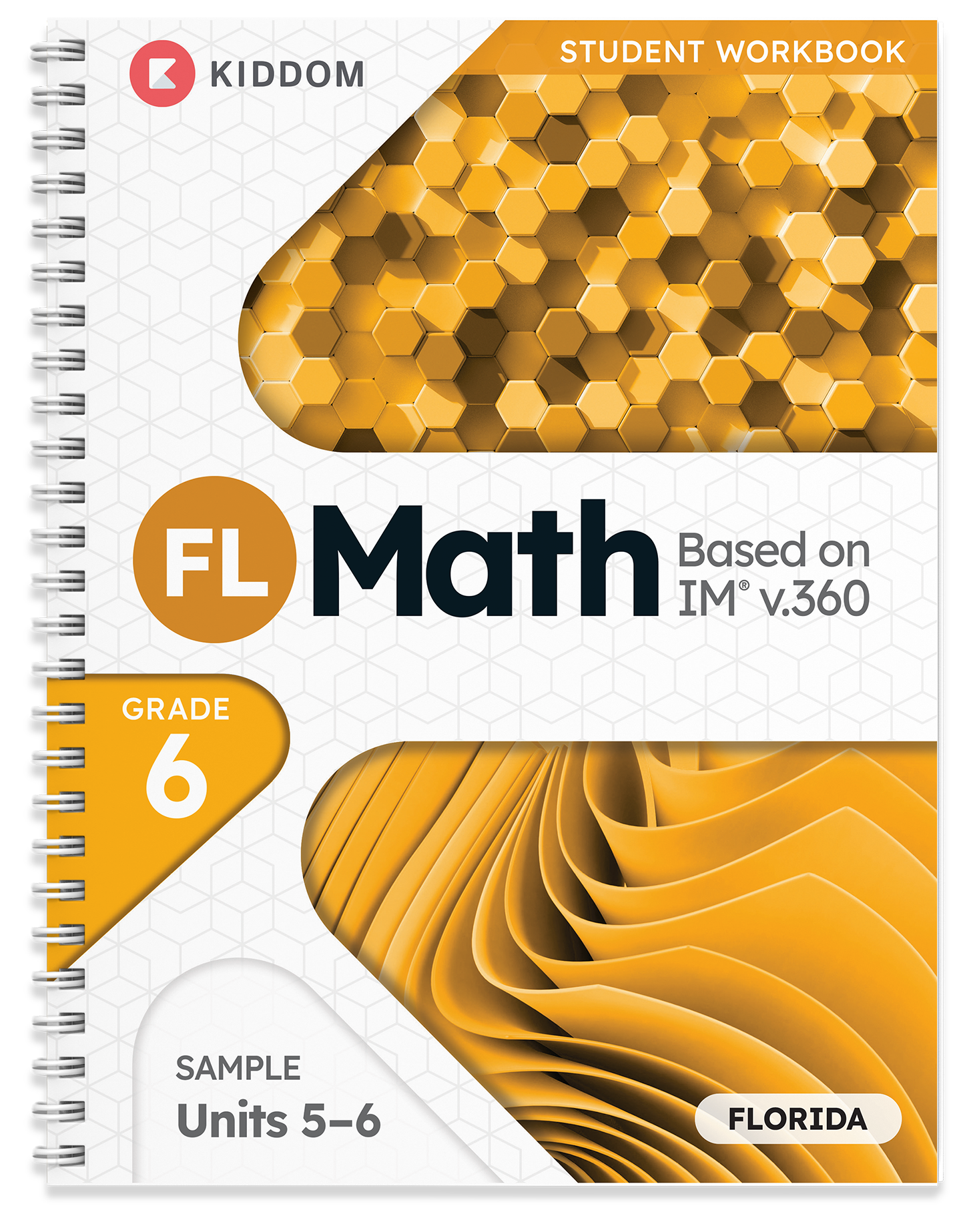
Student Edition
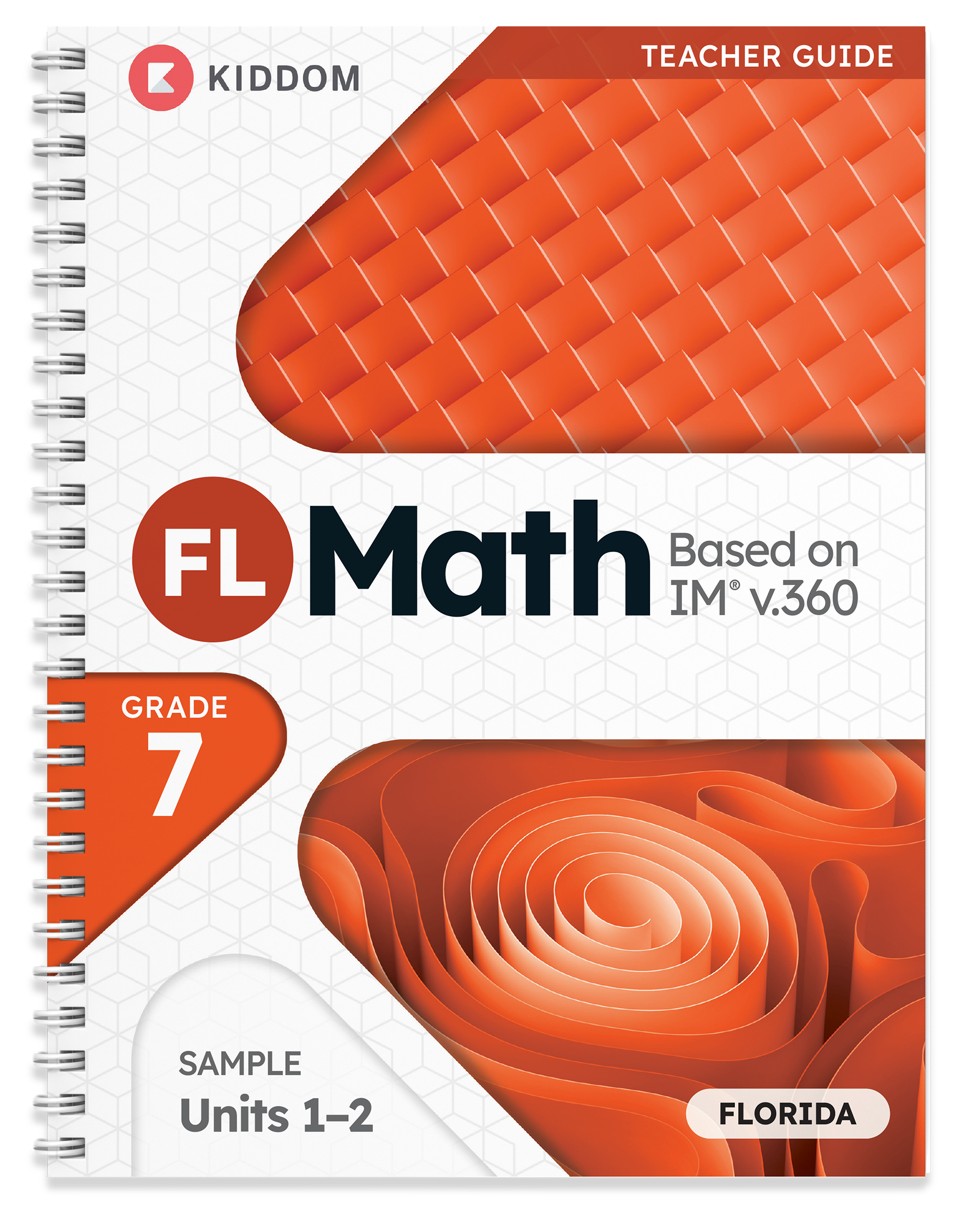
Teacher Edition
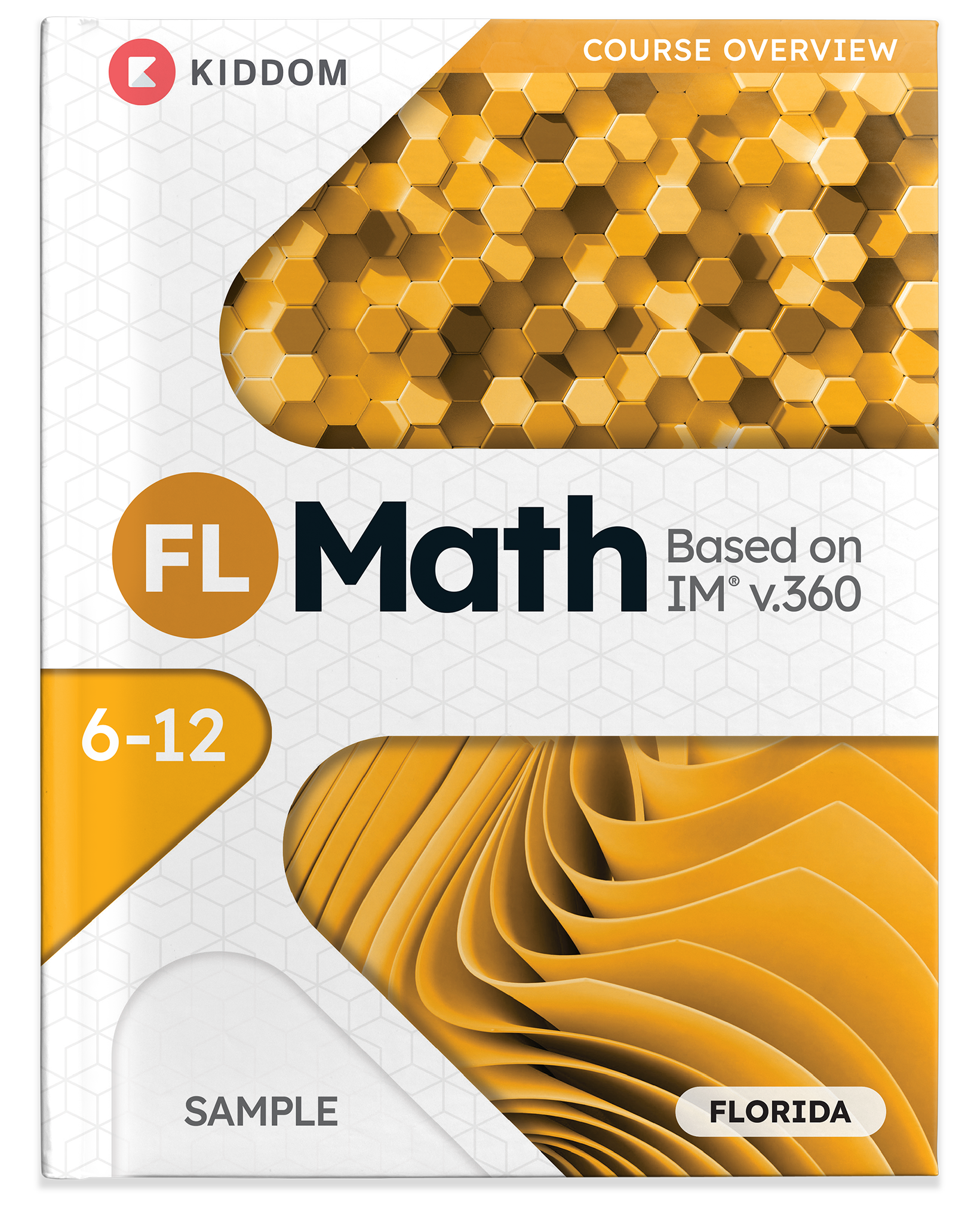
6-12 Teacher Course Overview
The student experience
Learn More
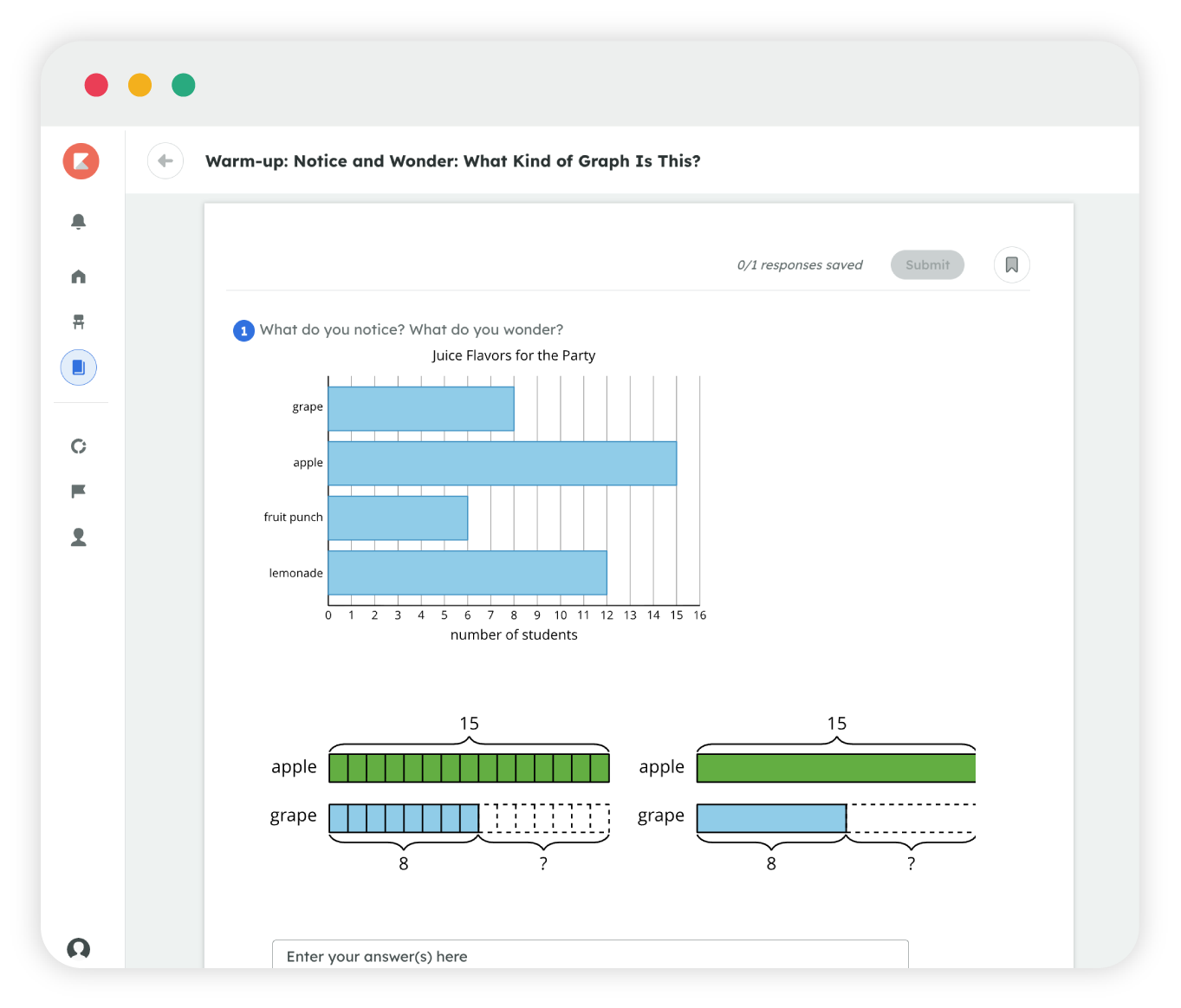
Multiple ways to learn
Kiddom Florida Math meets 6–8 students with physical and digital tools built for how they learn best.
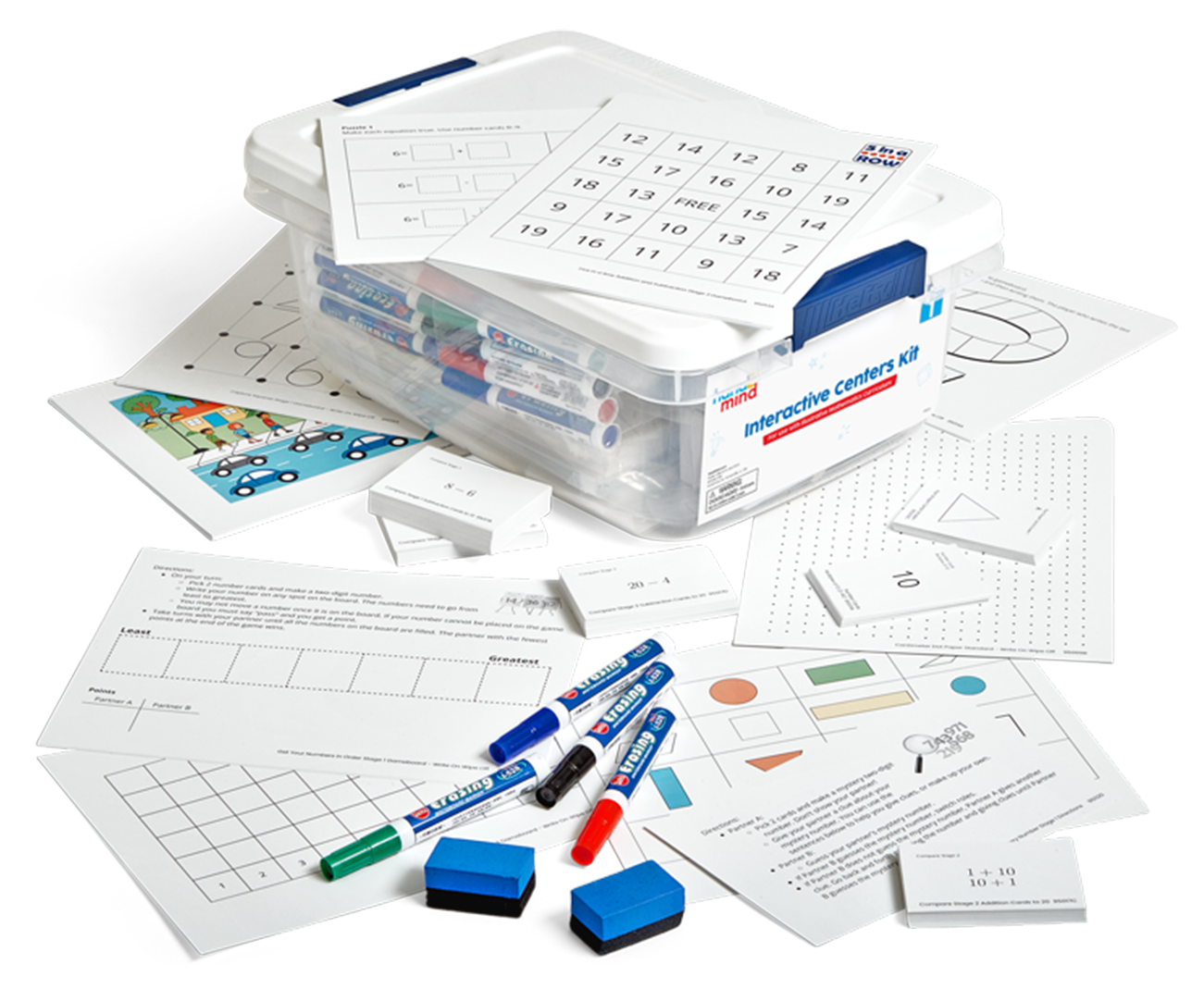
Manipulative Kits (6–8): physical manipulatives that carry from Kindergarten through Grade 8.
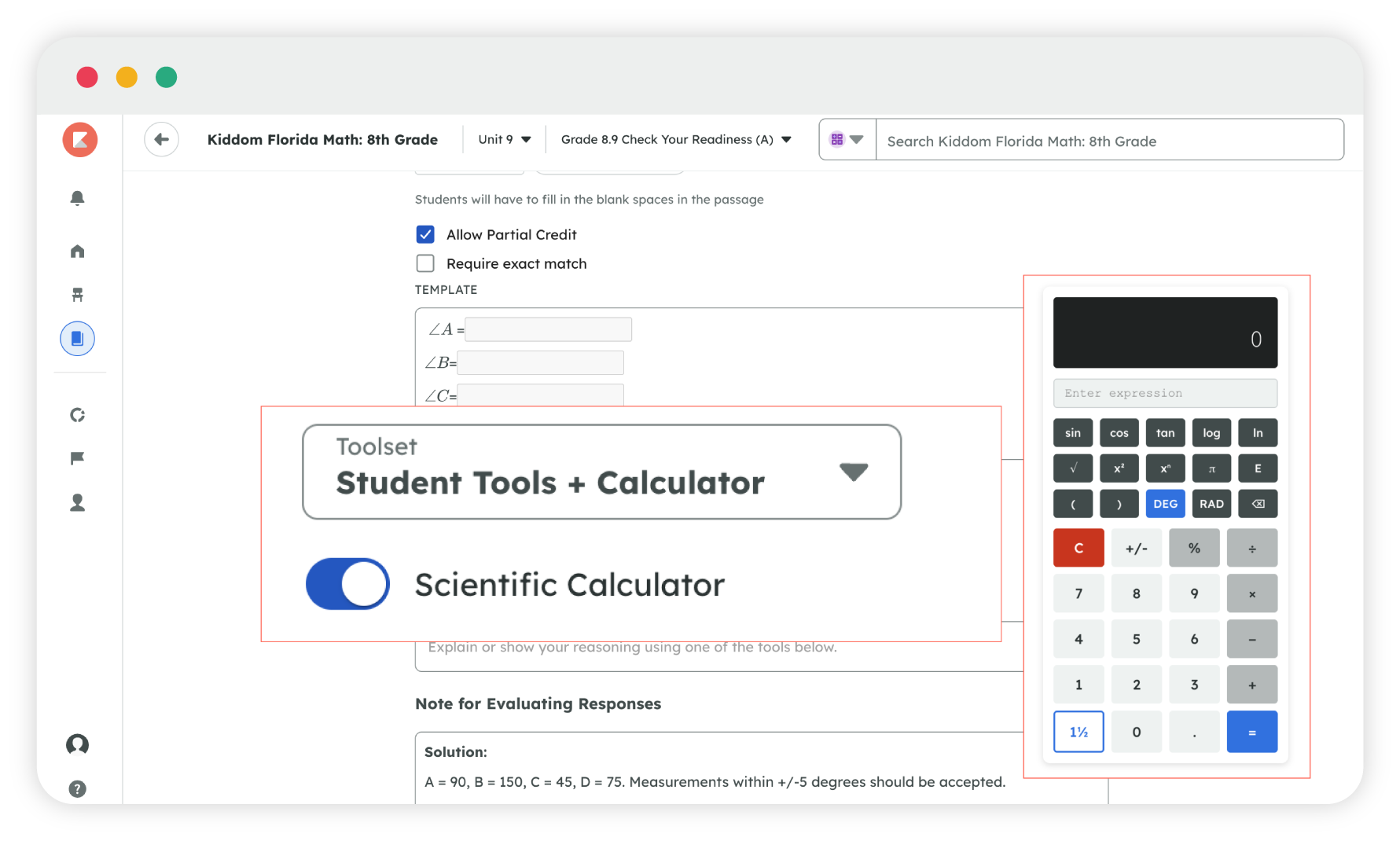
Student Calculator: built into the lesson, activated by teachers, and available in standard and scientific formats.
Planning support built in, not bolted on
Kiddom Assistant
- Ask for a translation or a small-group scaffold in seconds.
- Get a quick answer about tomorrow's lesson.
Practice Problem Generator
- Generate more practice on the exact skill a student is missing.
- Print it or assign it digitally, ready in seconds.
Cadence
- Adjust scope and sequence at any time.
- Keep everyone on the same page and adapt to learning needs.
Lesson Presentations
- Speaker notes built into every slide deck with exemplar student responses.
- Filled with visual examples and editable.
Atlas: Cool-Down to Do Now
- Every Cool-Down becomes tomorrow's Do Now.
- Students dynamically grouped by learning need.

Assessment and intervention built into core instruction
Atlas is an intelligent assessment layer built inside Kiddom Florida Math. It reads your students' work and drafts tomorrow's plan in minutes. Groups formed, warm-ups ready, all set to approve or adjust for your class. You stay the expert and start every day prepared.
AI for teachers

AI-Grading
Suggests scores on open responses using your rubric, notes, and exemplars. You accept or reject.
Learn more
AI-Feedback
Drafts feedback on student work using your rubric, goals, and each student's prior knowledge. You edit.
Learn more
Kiddom Assistant
A lesson-planning question answered in seconds, grounded in Florida content only.
Learn more
Paper Score
Scan handwritten student work, score it, and upload to your dashboard without retyping a thing.
Learn more
KODA for admins
District and school leaders see usage, outcomes, and insights across every classroom.
Learn more
Assessment and reporting that drive decisions
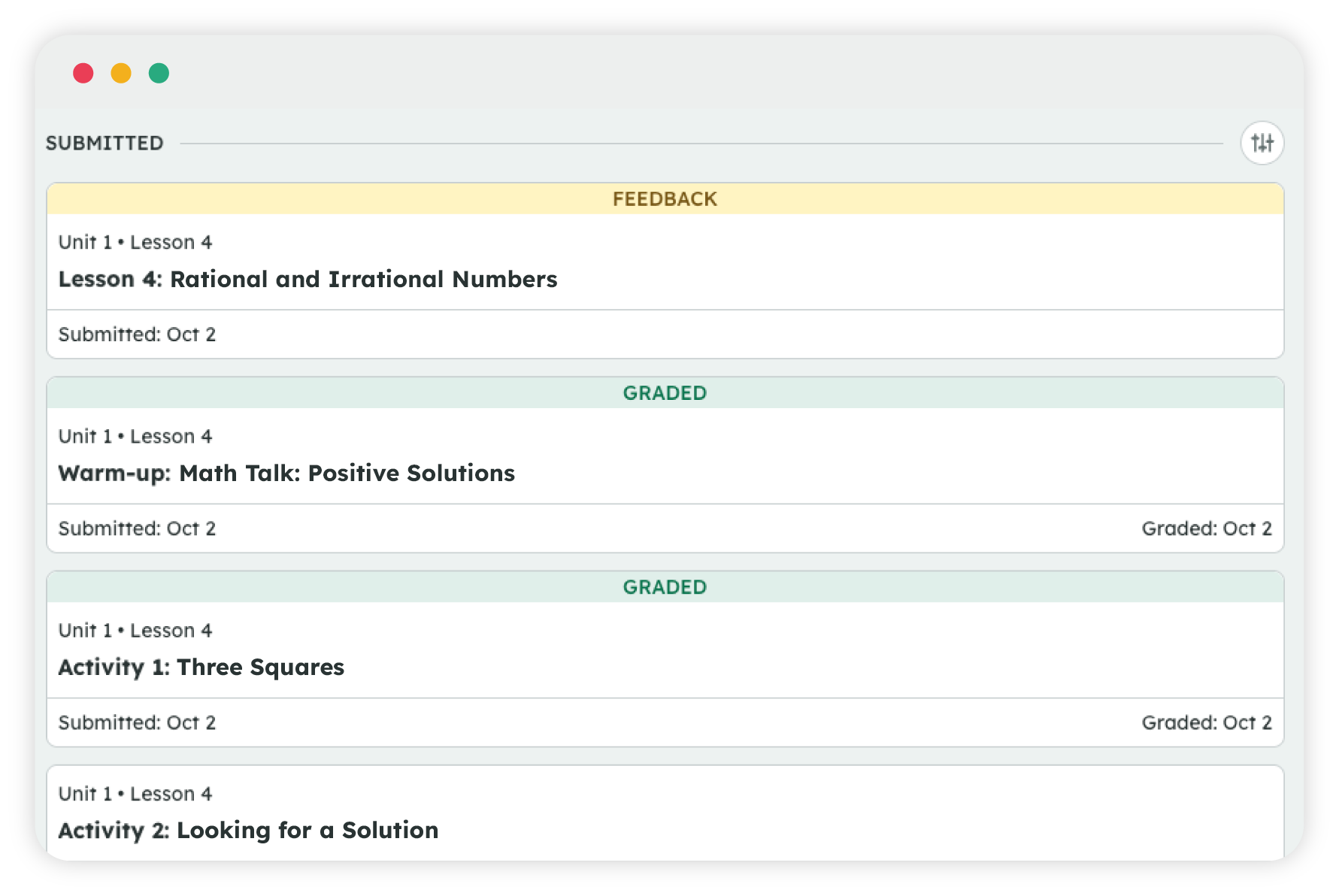
Every assignment, every class, in one view
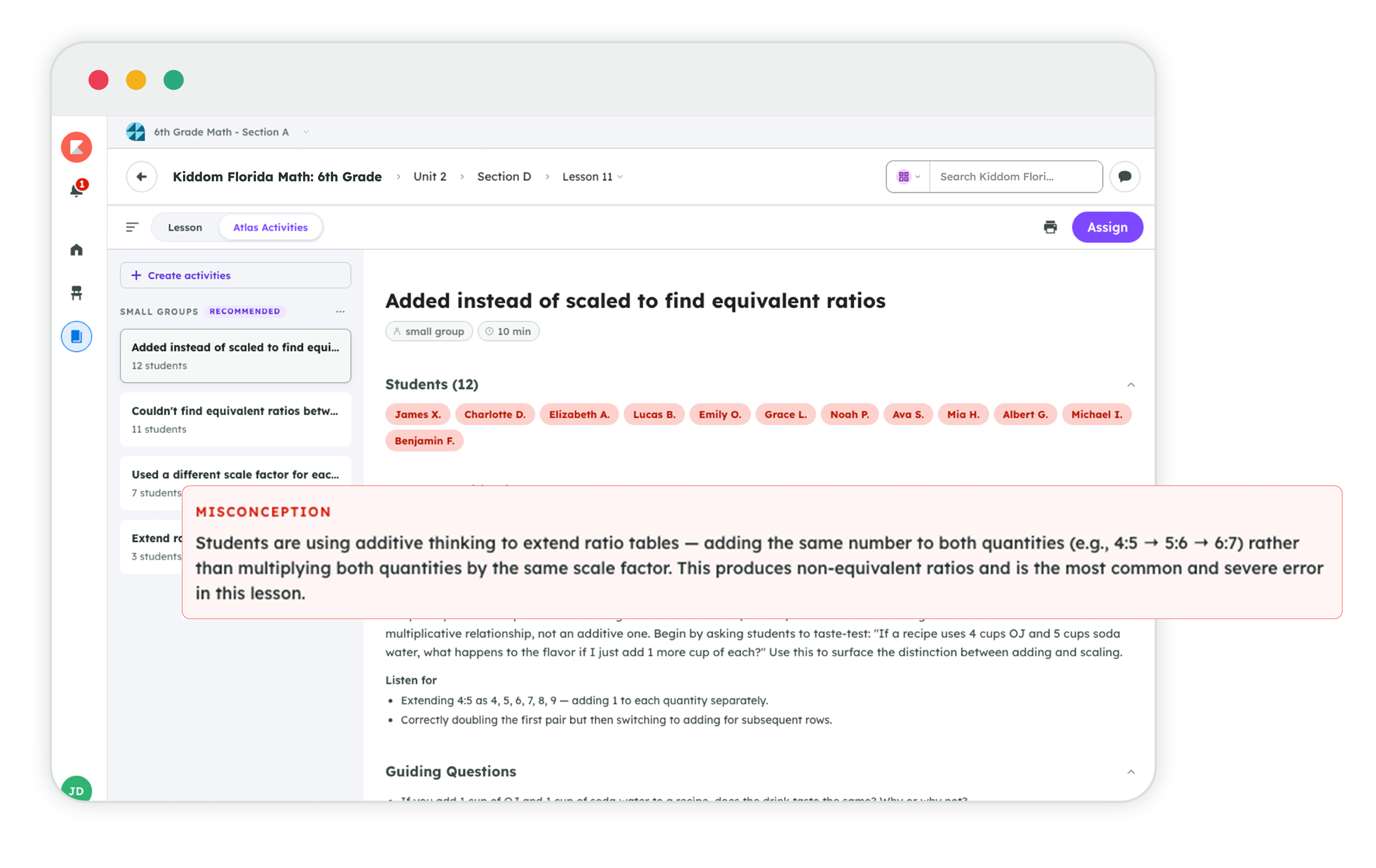
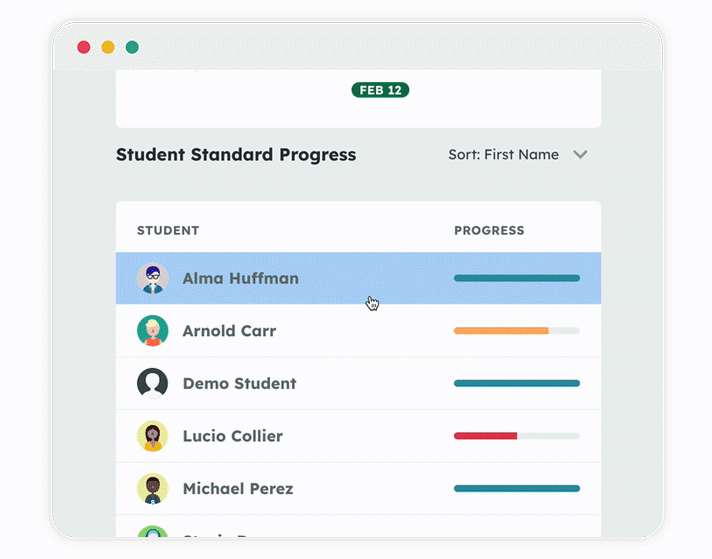
See which misconceptions are showing up across a class, or an individual student.
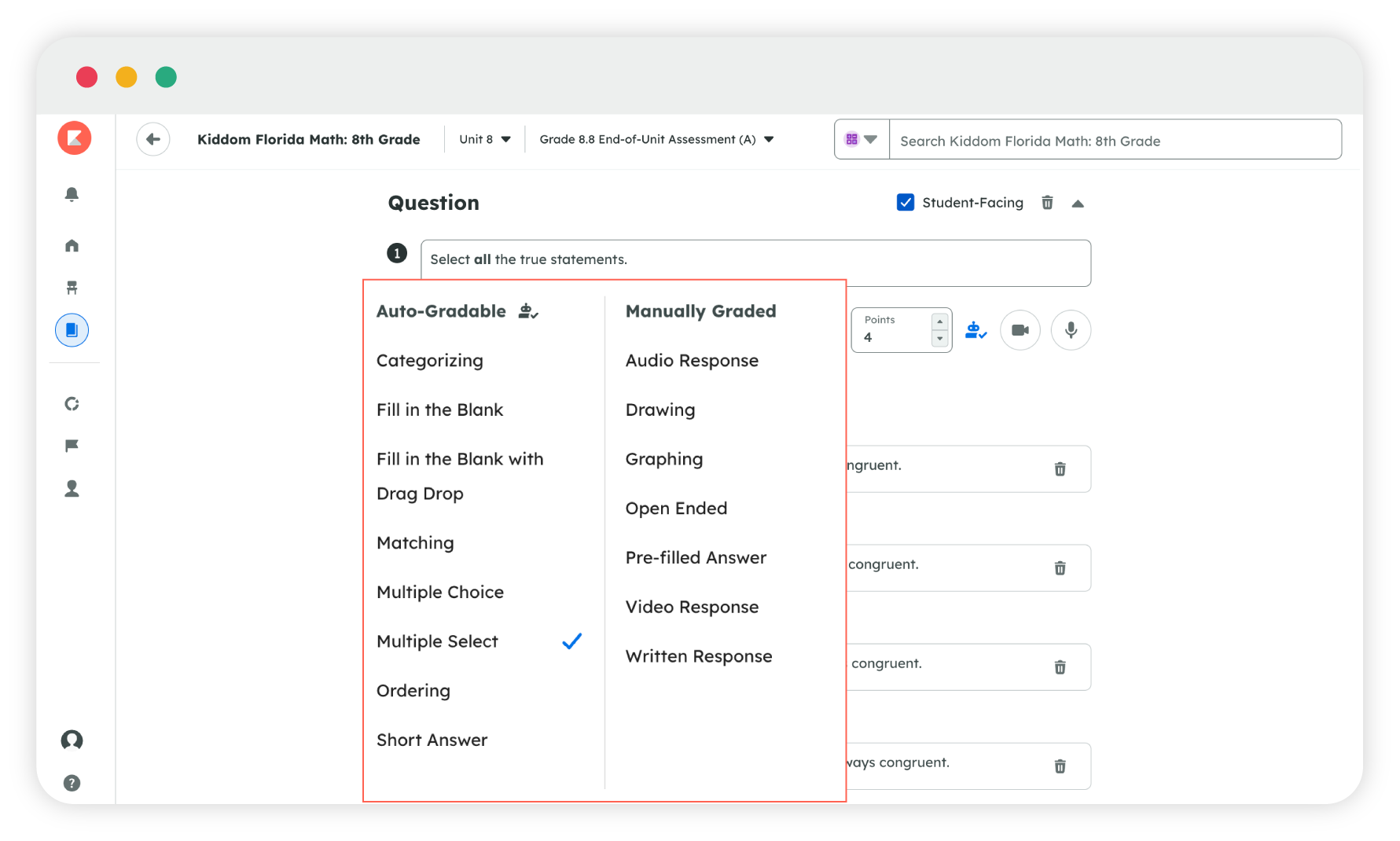
Multiple choice, open response, or performance task, whatever the standard calls for, all aligned to FAST.
Built for every learner

UDL: accessibility and navigation supports built into every digital lesson.
ELL supports: Spanish cognates surfaced right where a multilingual learner needs them.
Supports for students with disabilities: built in, not added on as an afterthought.
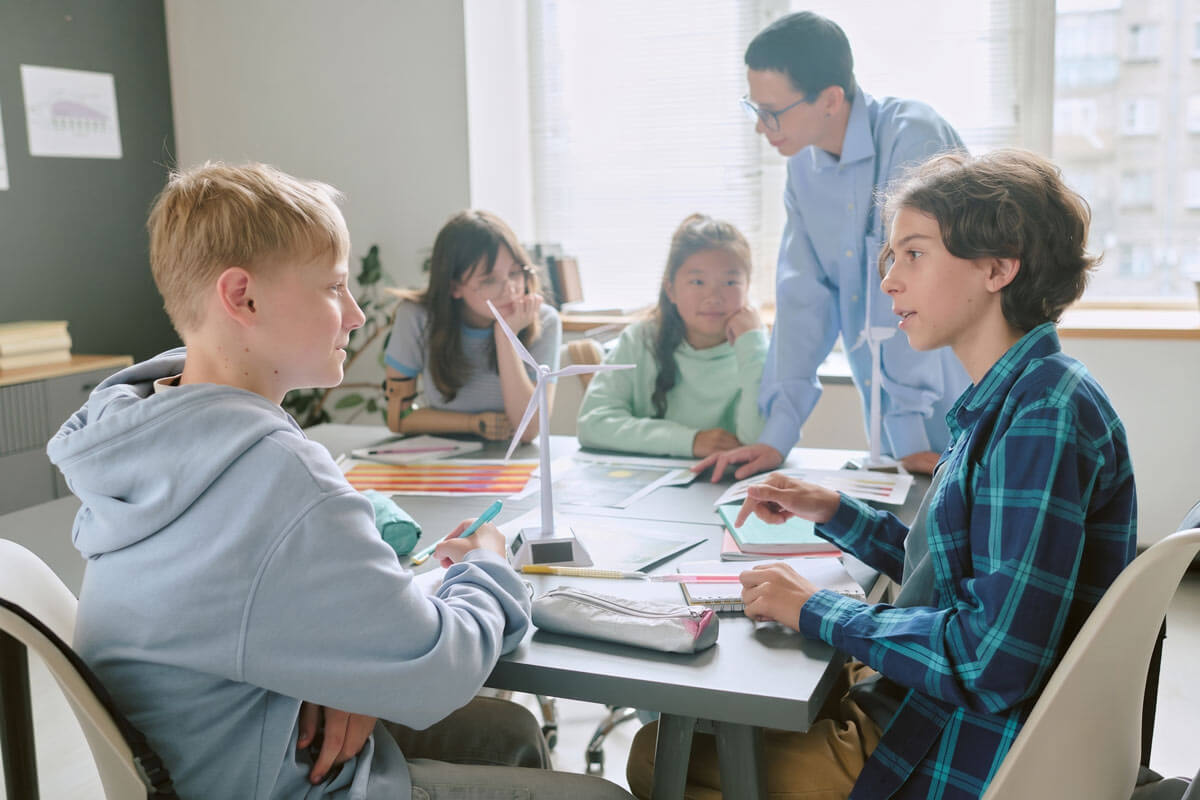
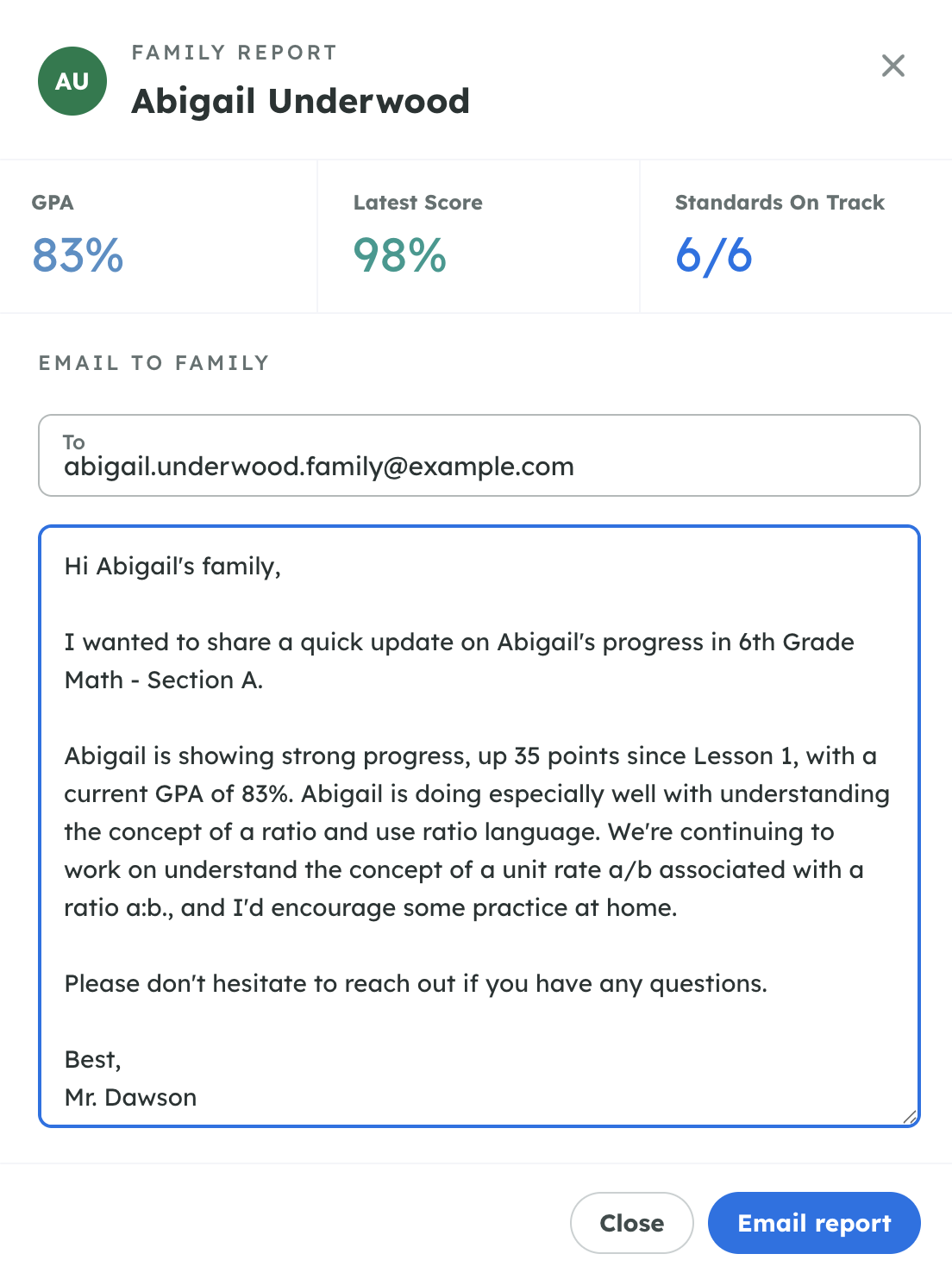
Support for Florida families and caregivers
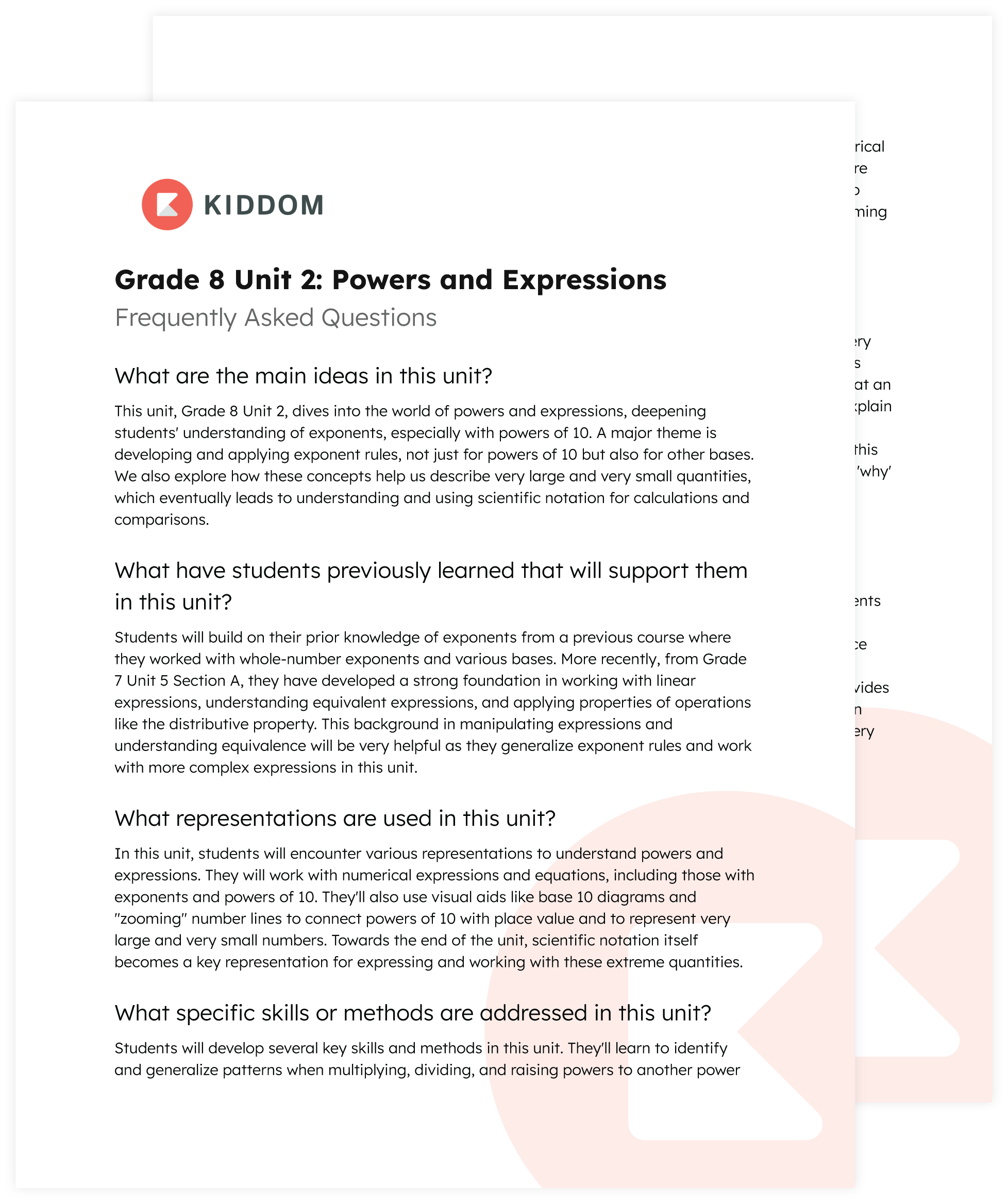
Answers to questions families ask the most

A quick listen to what a student is learning in class