
Kiddom Georgia Math Grades K–5
See how Kiddom Georgia Math comes together in a K–5 classroom, built for Richmond teachers and students.
Explore Kiddom Georgia Math
We recommend viewing the walkthrough video for an in depth look at Kiddom Georgia Math.
Inside a lesson:
Use the toggle at the top of the demo page to switch between the teacher and student views and see both sides of the lesson.

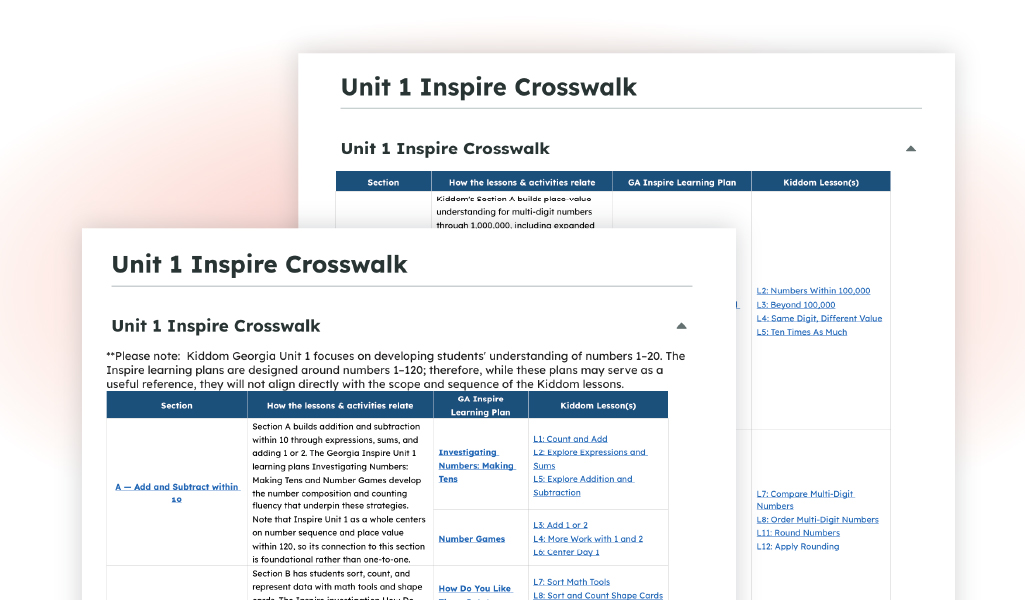
Inspire Crosswalks
Seamless integration
with Canvas
Print for every grade level
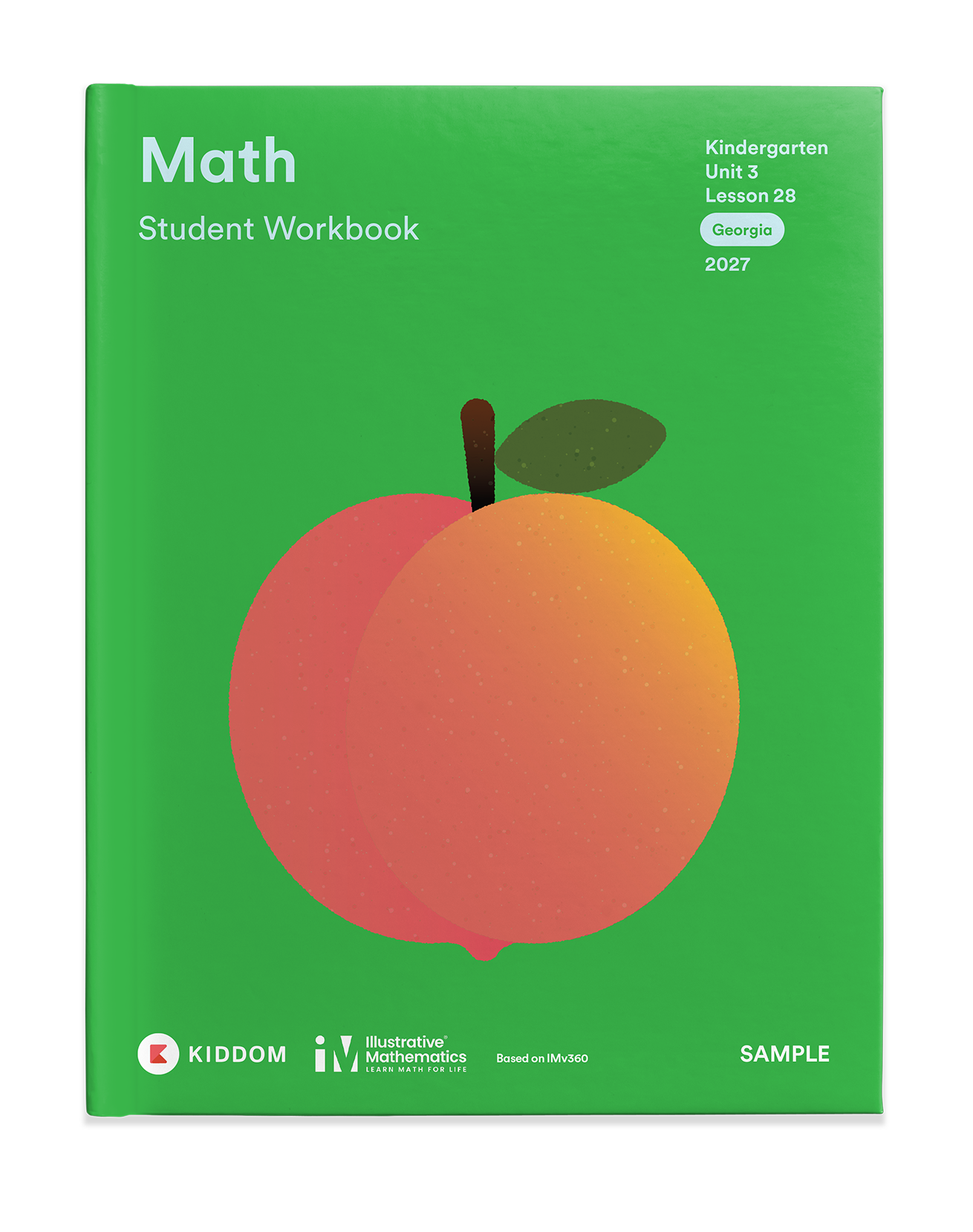
View print samples of the K–5 Teacher Edition and Student Edition
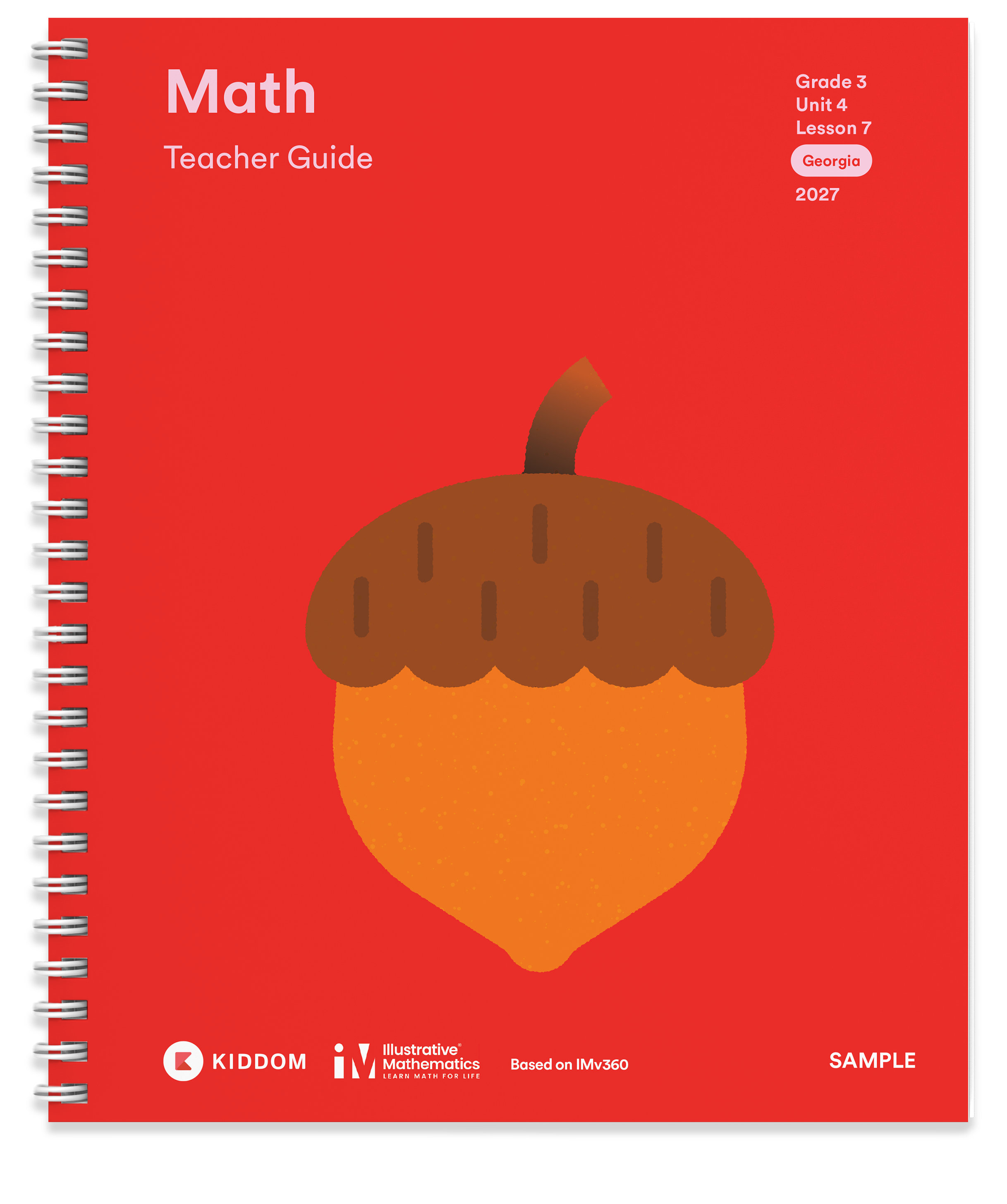
Teacher Edition
Student Edition

Learning Intelligence Technology
Intelligent tools that connect student learning to your next instructional steps.

Built for Georgia: Learning Plans
Georgia Math embeds Inspire Learning Plans to connect standards and instruction with what Georgia students are expected to learn.

Support for Teachers
Achievement level descriptors are built into the curriculum for support teachers can use in the moment.

A Clear Path Forward: Learning Progressions
Georgia Math follows Georgia’s Learning Progressions, creating a coherent path for how mathematical understanding builds across grades.
The student experience
Learn More
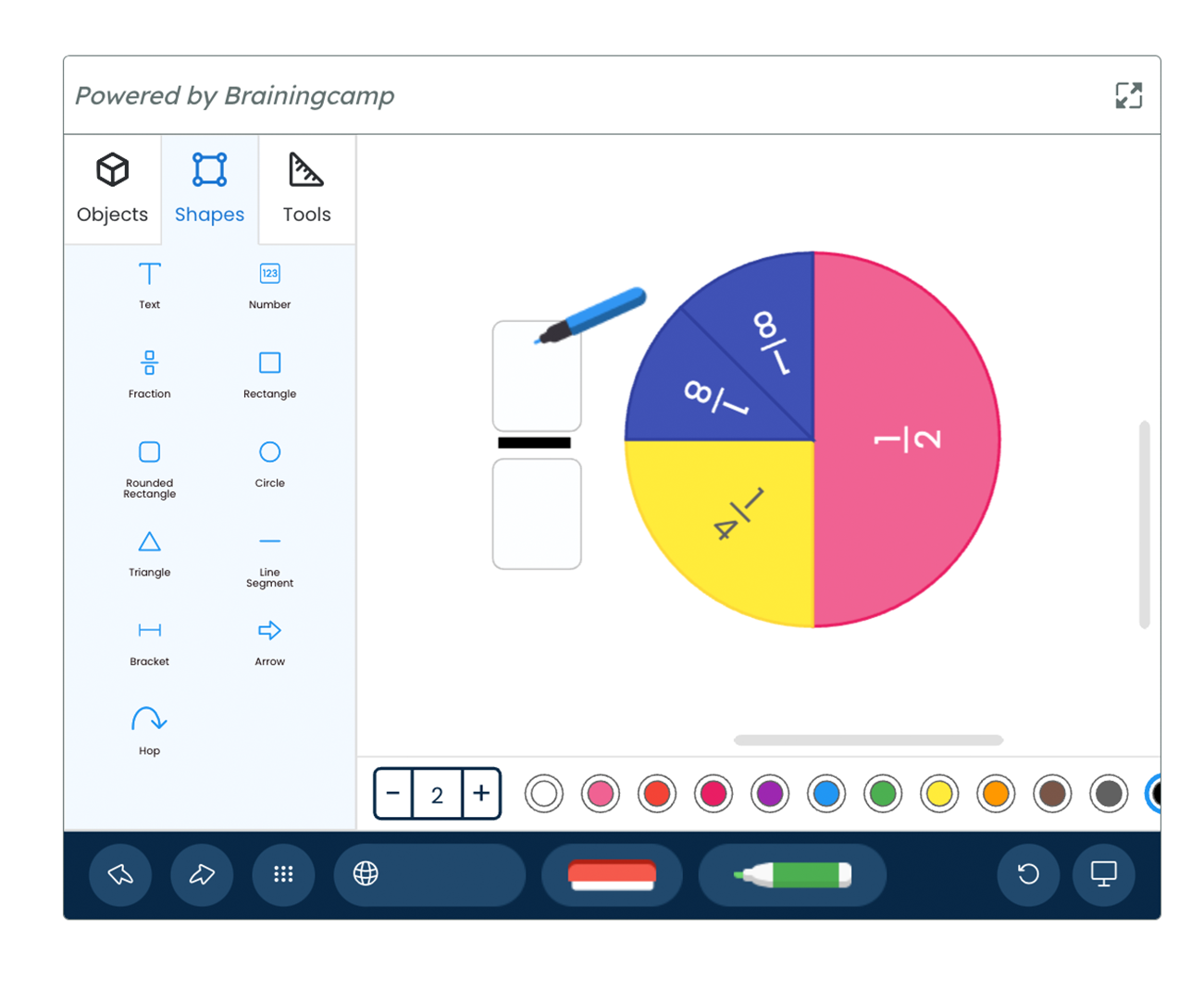
Virtual manipulatives for in class exploration, formative assessments, and showing student thinking.
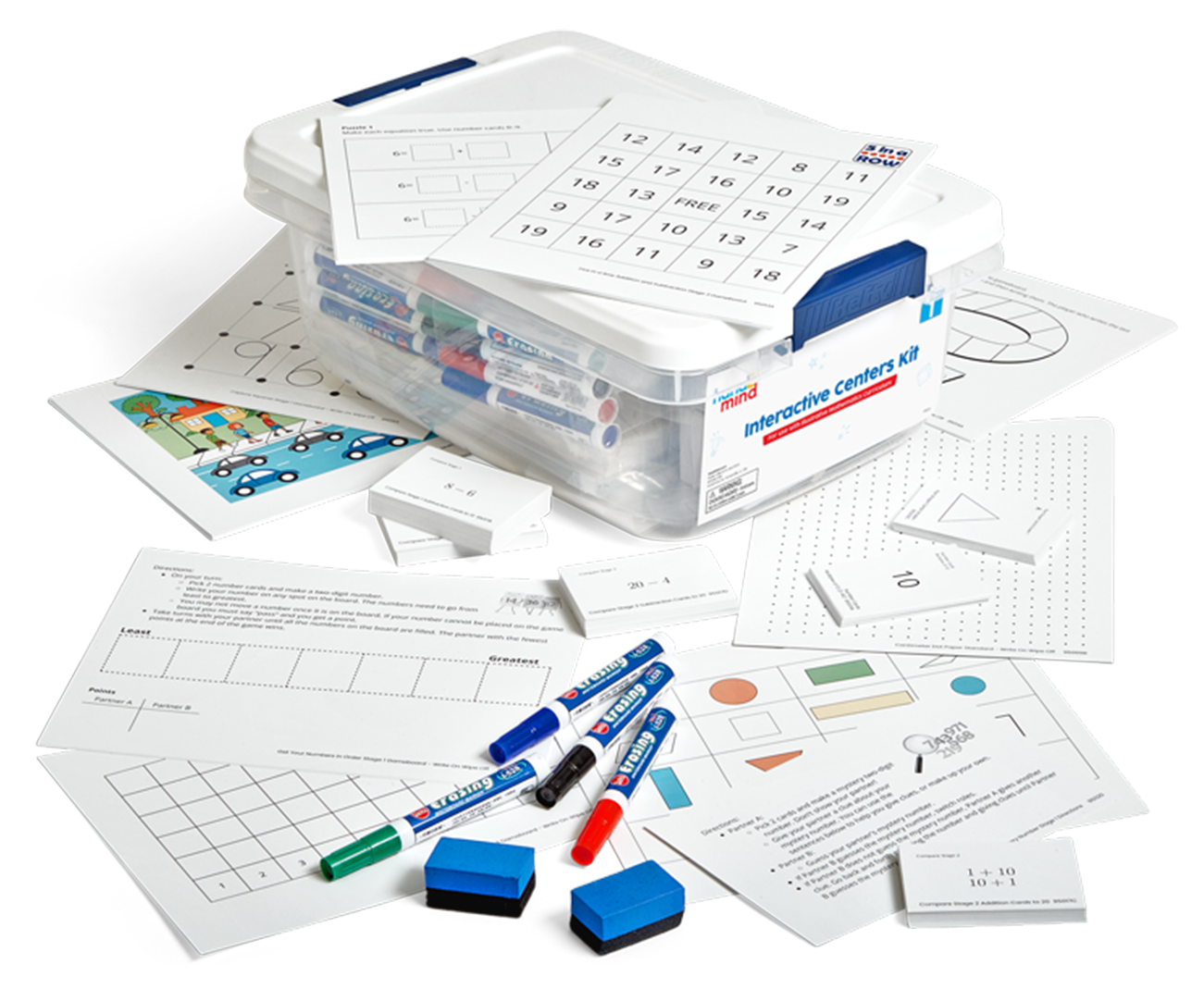
Centers Kits (K-5): hands-on stations ready to set up on day one
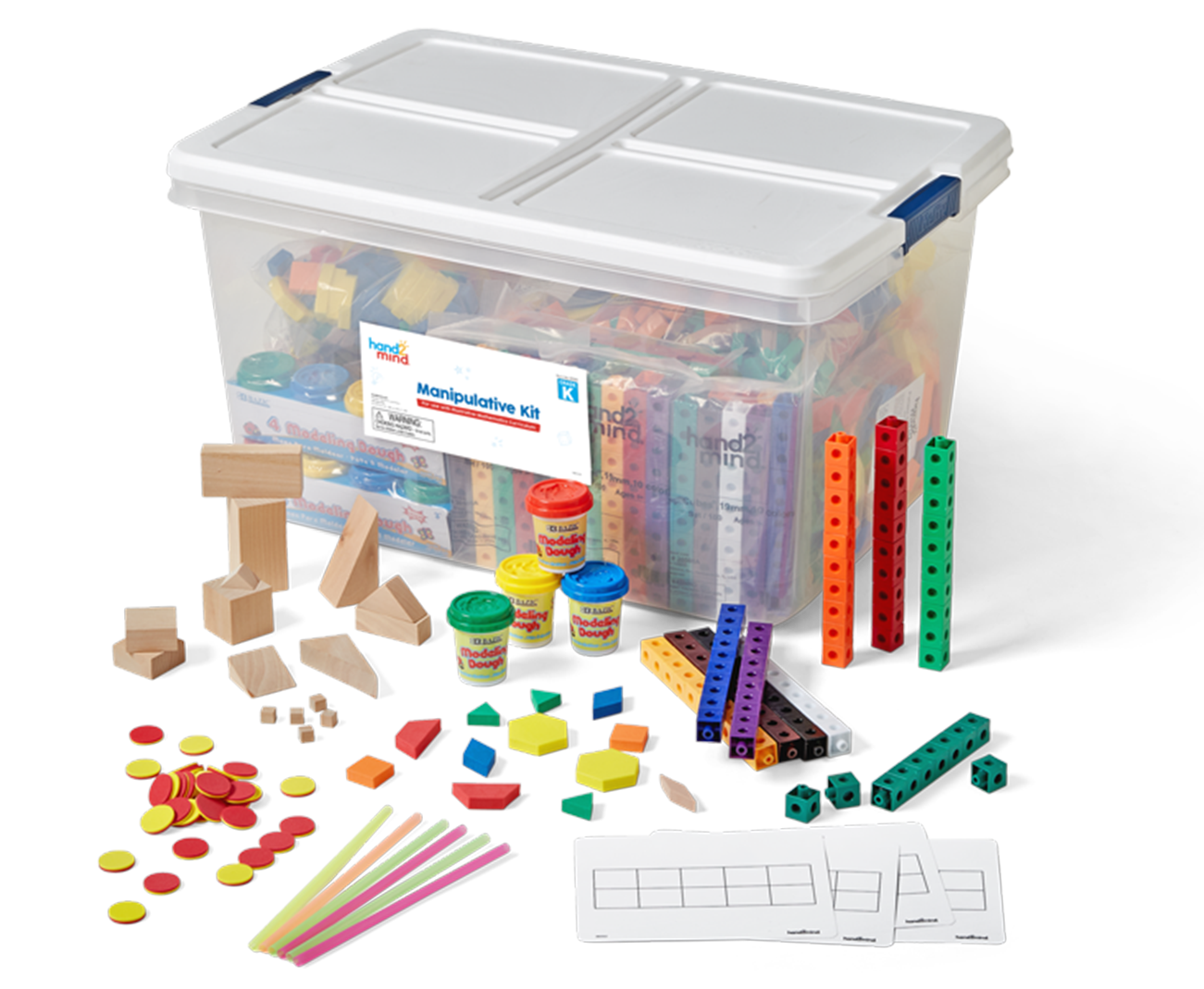
Manipulative Kits (K-5): physical manipulatives that carry from Kindergarten through Grade 5.
Multiple ways to learn
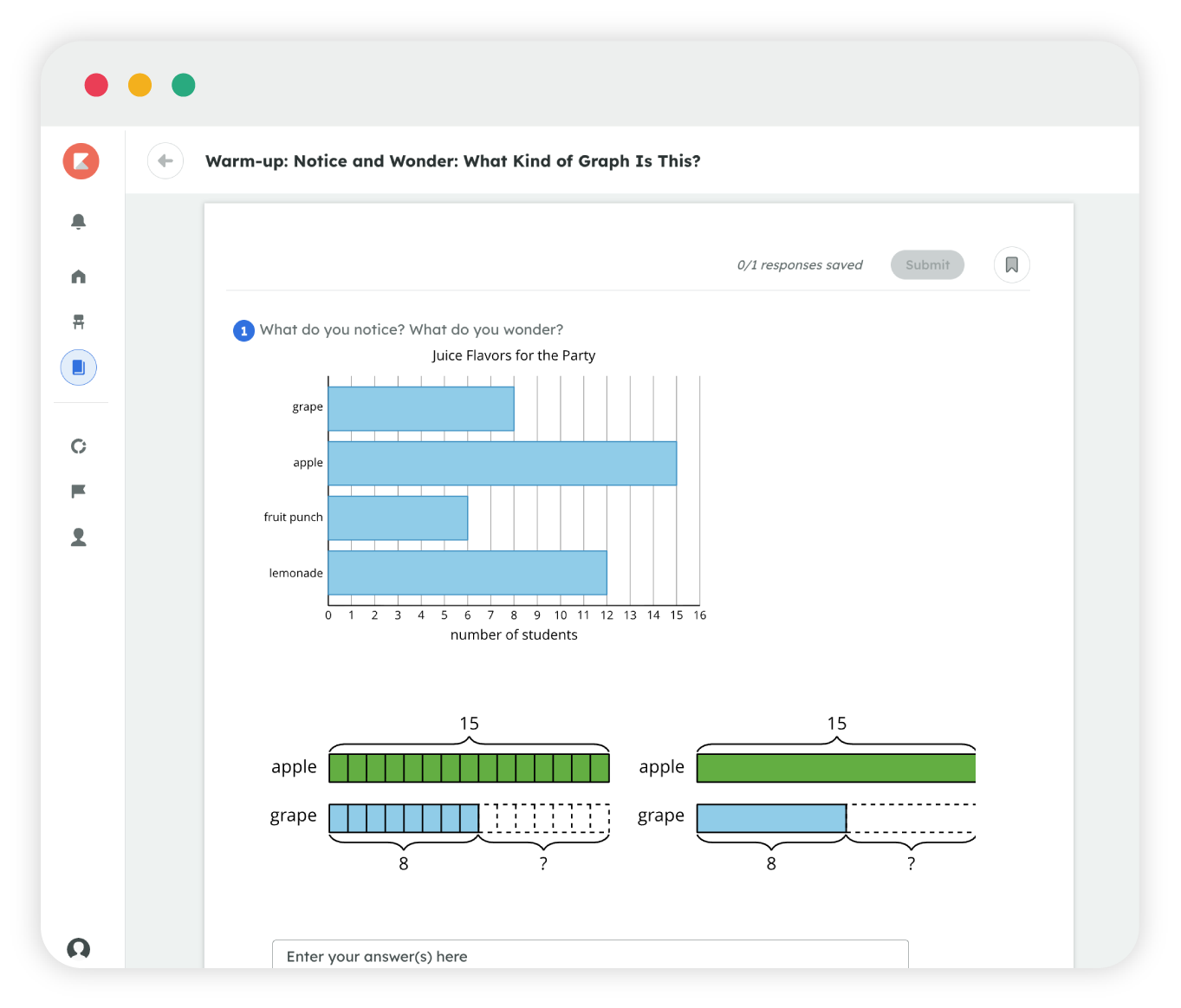
Students learn math in different ways. Kiddom Georgia Math gives them hands-on manipulatives and centers, plus digital tools to match how they learn.
Planning support built in, not bolted on
Kiddom Assistant
Get a quick answer about a lesson in the moment: a summary, key vocabulary, a translation, or a small-group scaffold, all in seconds.
Lesson Clipper
Trim a lesson to fit a class period and still meet its standard and learning goals.
Practice Problem Generator
Generate more practice on the exact skill a student is missing. Print it or assign it digitally.
Cadence
Adjust the scope and sequence on your calendar at any time and still keep a consistent learning schedule.
Lesson Presentations
Speaker notes, including exemplar student responses, are built into every slide deck. Slides are filled with visual examples and are fully editable.
Spotlight Mode
Spark class discussion by illuminating student thinking on paper anonymously inside your Lesson Presentations.

AI for teachers

AI-Grading
Suggests scores on open responses using your rubric, notes, and exemplars. You accept or reject.
Learn more
AI-Feedback
Drafts feedback on student work using your rubric, goals, and each student's prior knowledge. You edit.
Learn more
Kiddom Assistant
A lesson-planning question answered in seconds, grounded in Florida content only.
Learn more
Paper Score
Scan handwritten student work, score it, and upload to your dashboard without retyping a thing.
Learn more
KODA for admins
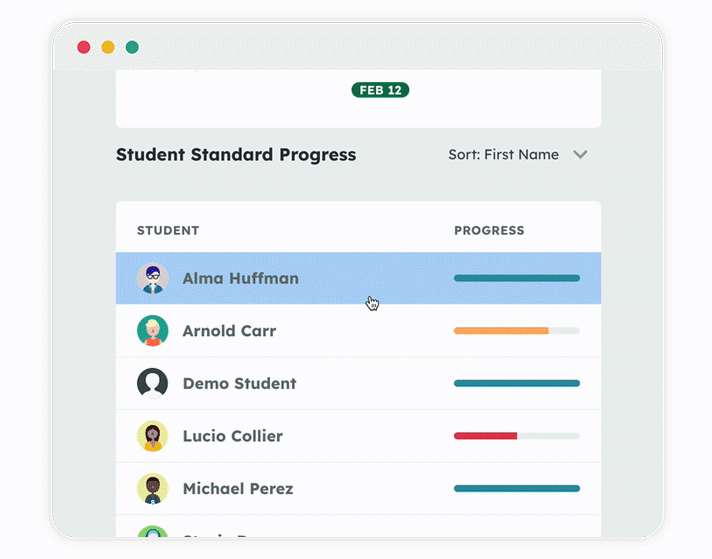
District and school leaders see usage, outcomes, and insights across every classroom.
Learn more
Assessment and reporting that drive decisions
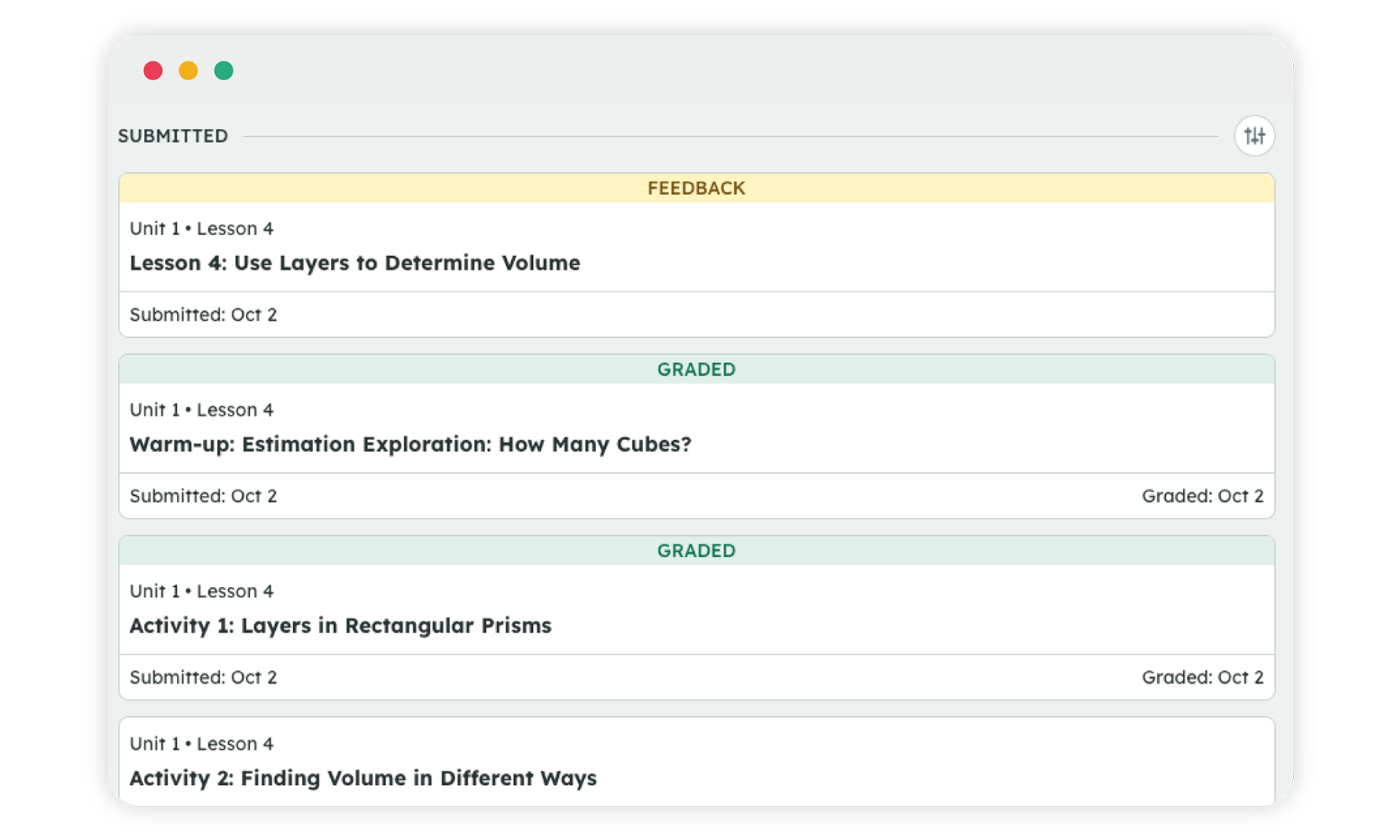
Every assignment, every class, in one view
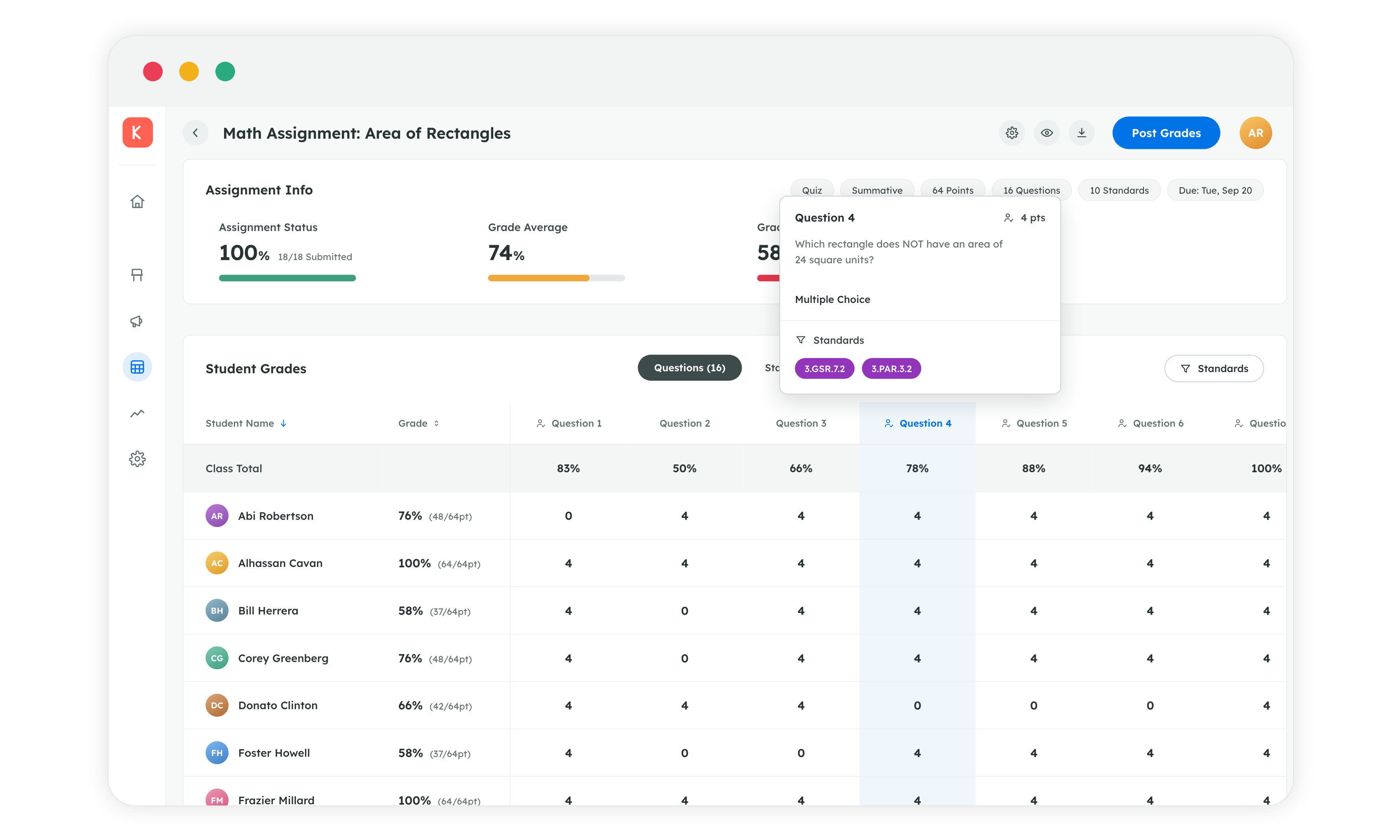
Granularly parse student data to chart instructional next steps.
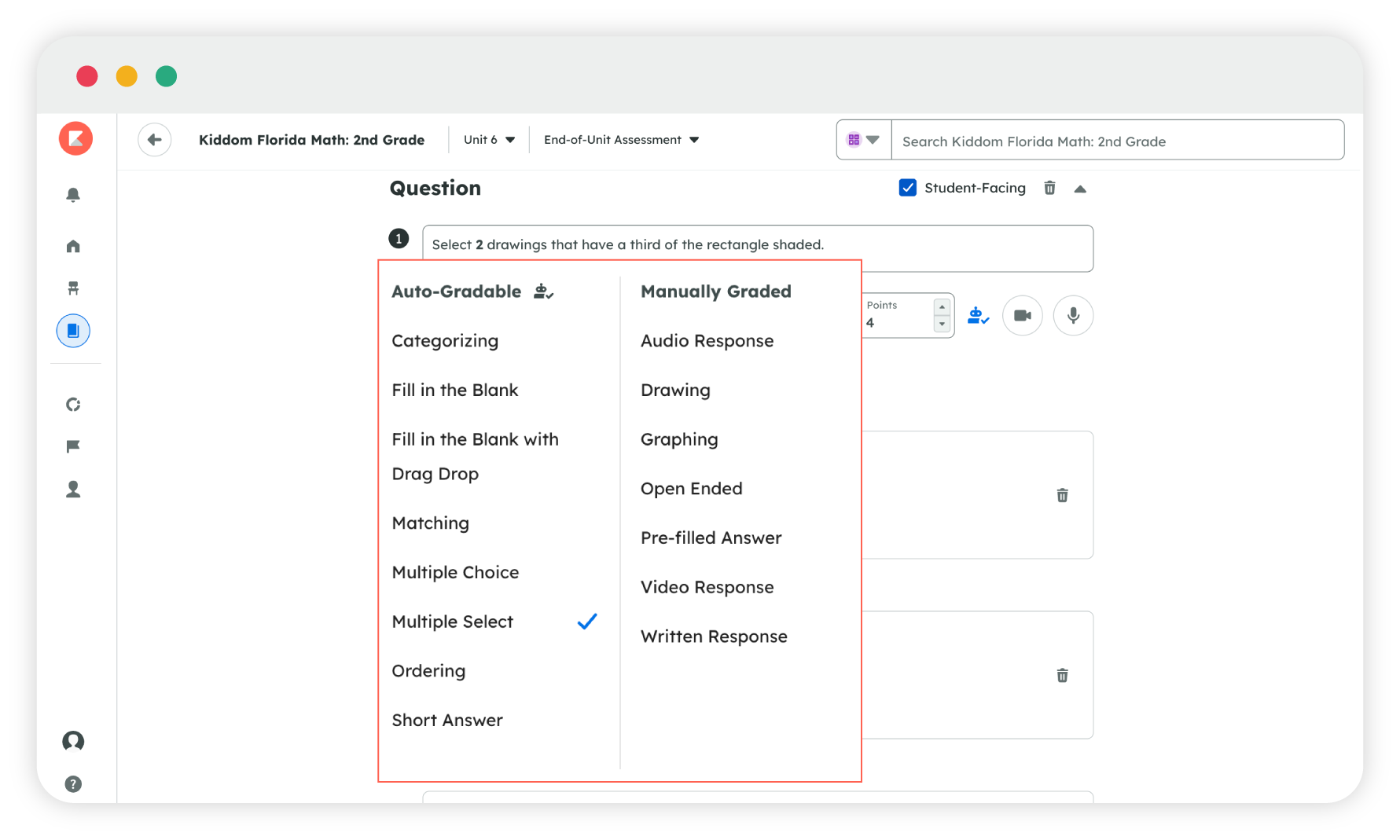
Multiple choice, open response, or performance task, whatever the standard calls for, all aligned to FAST.
Built for every learner

UDL: accessibility and navigation supports built into every digital lesson.
ELL supports: Spanish cognates surfaced right where a multilingual learner needs them.
Supports for students with disabilities: built in, not added on as an afterthought.