Kiddom
August 12, 2026


Every fall, teachers come back with a full load: rigorous instruction, differentiation for every learner, data scattered across systems, and grading that follows them home.
This year, that load gets lighter, thanks to Atlas by Kiddom and Learning Intelligence tools that simplify your daily workflow and provide data in seconds.
With everything we build, we keep one idea in mind: the best instructional technology should work in the background, handling the tedious tasks so teachers can do the human work of making student connections and teaching.
Here's what that looks like this fall. Welcome back!
Knowing a student got an answer wrong is useful. Knowing why they got it wrong is what helps a teacher decide what to do next.
Atlas reads student responses from daily Cool-downs and identifies the misconceptions behind them. If a question asks for the volume of a 3 × 4 × 5 cm rectangular prism, and a student answers 12 cm³ instead of 60 cm³, Atlas recognizes they multiplied only two of the three dimensions.
Then it turns that insight into action.
Atlas groups students who share the same misconception and gives teachers targeted activities for each group. Before the next lesson begins, a teacher can see what students understood, where thinking broke down, who needs similar support, and how to respond.
Assessment becomes a consistent part of the instructional cycle, so every student gets exactly what they need, every day, with differentiated activities that respond to precise misconceptions the next class period.
Some of the most powerful moments in a classroom happen when a teacher says,
“Take a look at how this student approached the problem.”
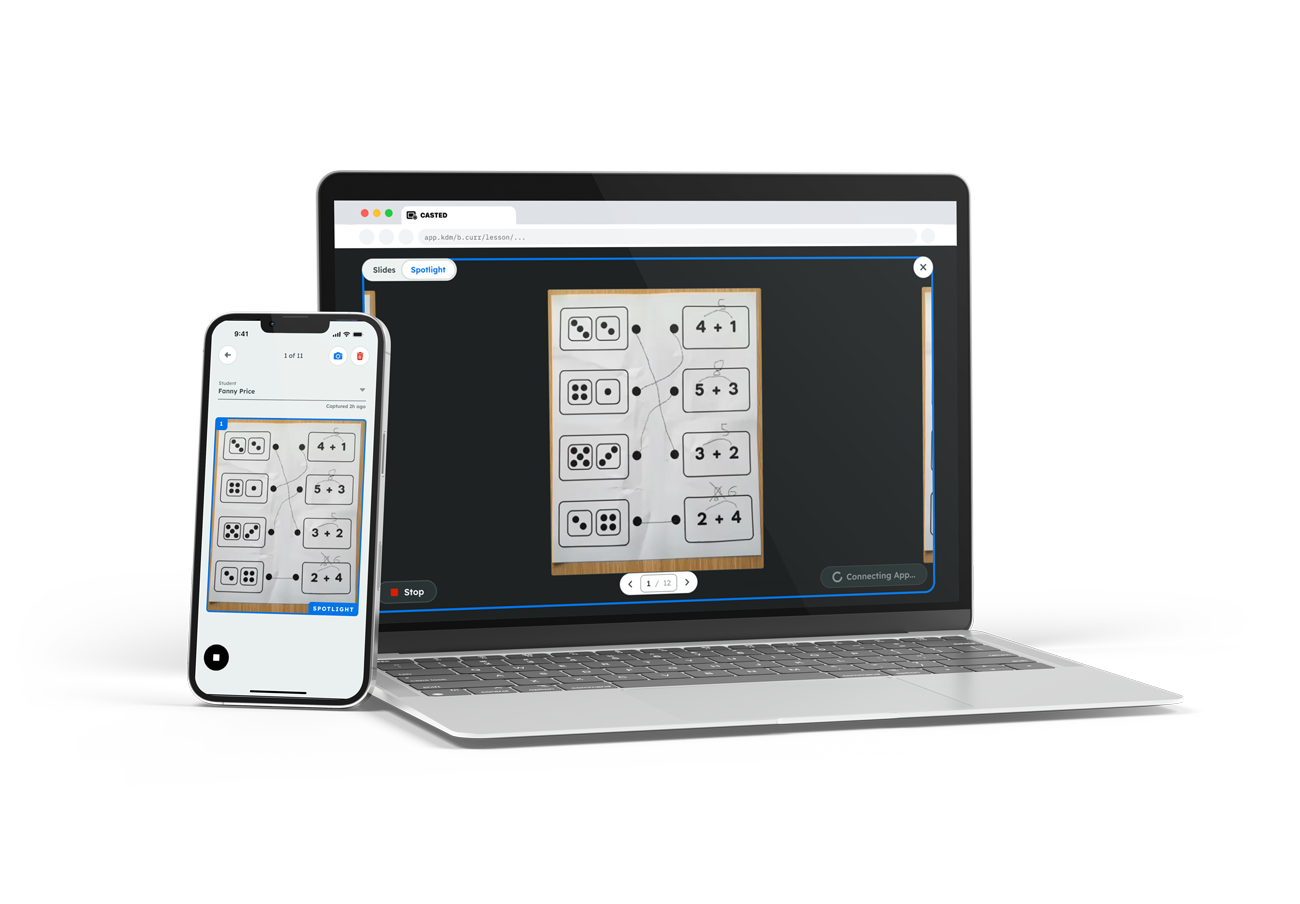
With Spotlight Mode in the Kiddom Teacher app, that moment gets much easier.
Teachers can walk the room, capture a student’s paper-based work, and project it live and anonymized for the class in seconds. There’s no need to collect papers, move to a document camera, or interrupt the lesson to get student thinking onto the screen. It’s a small workflow change that opens up more opportunities to make student thinking visible and encourage discourse.
The best student thinking still happens on paper. But that work becomes a full stack of papers that teachers must manually grade, then enter into their digital gradebook. That manual work can easily eat up an entire evening.
Paper Score takes care of it for you. Teachers take a photo of a student worksheet in the Kiddom Teacher App or upload student work on the web. Paper Score reads handwritten responses, grades the work, and surfaces the results for teachers to review before posting them.
Paper-based work doesn’t have to mean hours of grading, and it can finally live alongside digital work in Kiddom’s gradebook, giving teachers a more complete view of learning without adding another round of manual data entry and helping reduce screen time when needed.

There’s no shortage of AI tools that can generate an answer. The more important question for teachers is whether that answer understands what they’re actually teaching. Kiddom Assistant is built around that distinction.
Ask any question and get instant answers grounded in the curriculum and standards you’re working with. It lives in a floating bar throughout Kiddom, so teachers can ask for help without leaving the lesson, opening another tab, or explaining the context from scratch.
.png)
Differentiation often creates a frustrating tradeoff: give students the support they need, but spend hours creating alternate versions of the lesson to do it.
Adaptive Lesson Supports are designed to remove that tradeoff.
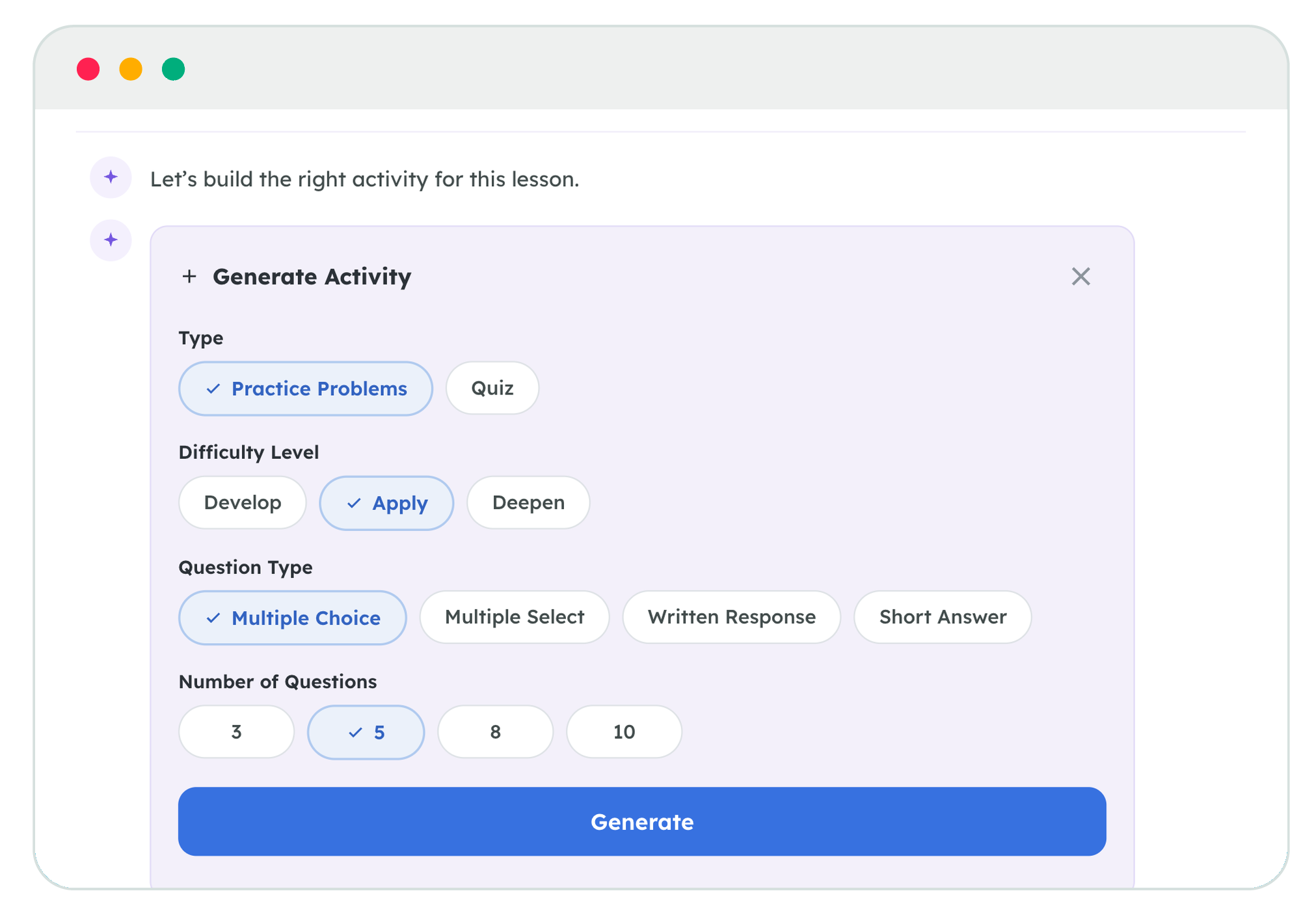
Teachers can generate standards-aligned quizzes and practice sets, choosing the question type, number of questions, and difficulty. They can also adapt materials they’ve already assigned by adding scaffolds, translating content into Spanish, French, Mandarin, Vietnamese, or Arabic, or shortening a lesson for a compressed class period.
The key is what stays the same.
These adaptations remain grounded in the lesson’s standards, vocabulary, and objectives. Teachers don't need to start over or send students into a disconnected experience. They can make the curriculum more accessible while preserving what students are supposed to learn.
Pacing guides look great in August.
Weather closures, testing days, assemblies, holidays, half days, and unexpected interruptions start eating into instructional time, while the end of the year stubbornly stays exactly where it is.
Cadence helps schools account for that reality.
Districts upload the pacing guide, and Cadence reads it alongside the school calendar to identify where holidays, shortened days, and other disruptions affect the plan. Teachers and leaders can review and approve adjustments, and when instruction falls behind, Cadence lays out a new path for the district’s scope and sequence.
Instead of asking teachers to manually rebuild the calendar every time something changes, Cadence keeps instruction on track when the timing shifts.
.png)
Supporting multilingual learners shouldn’t require creating a separate version of the classroom.
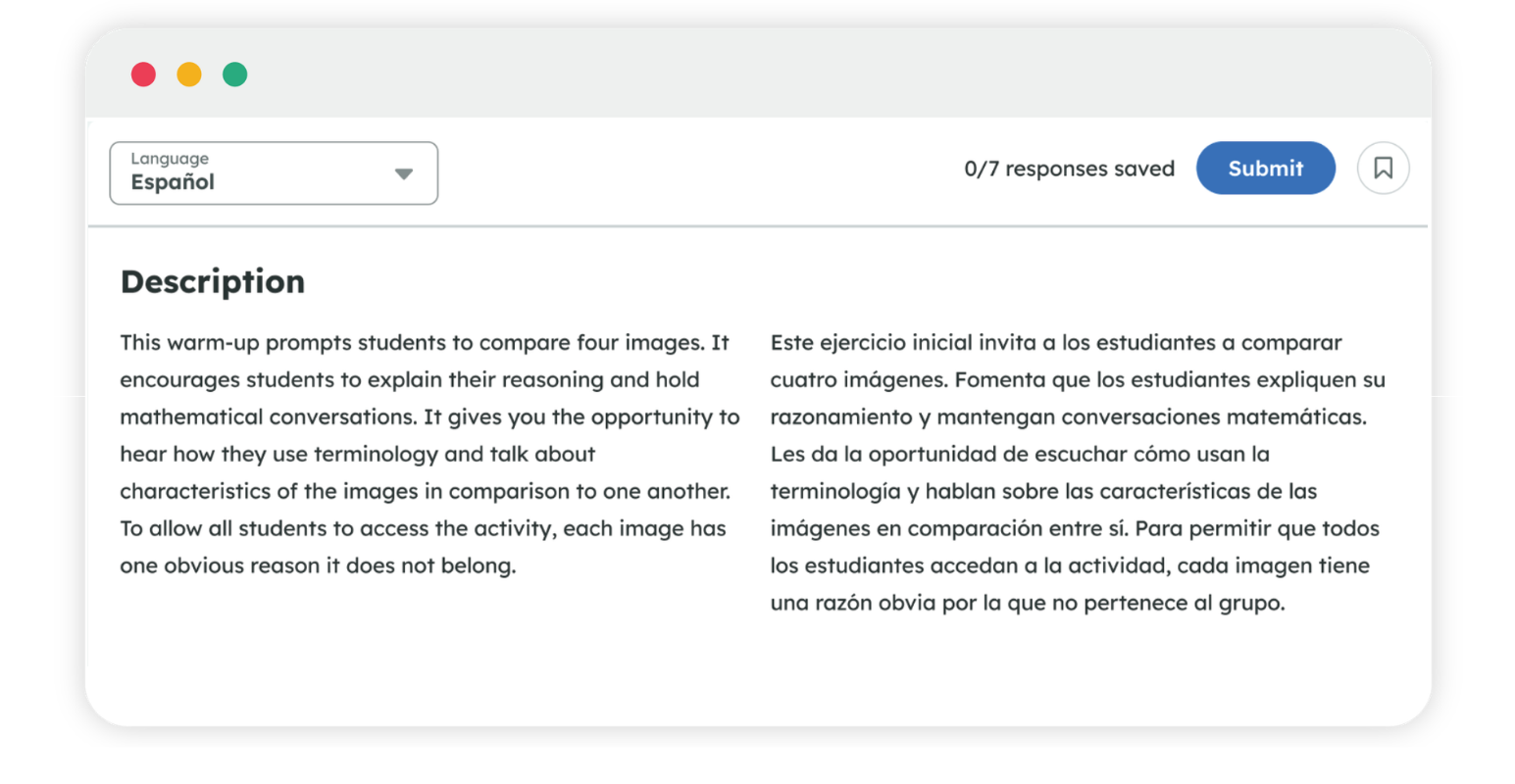
When teachers activate Bilingual View, students can see supported assignments in English and Spanish side by side, in the same document and within the same course.
They can move between languages as they work, accessing grade-level content while continuing to build English proficiency. Teachers don’t have to manage duplicate assignments or separate courses, and student results still flow into one place.
School and district leaders have plenty of data that often lives in scattered dashboards. Getting a useful answer from it is another story.
Kiddom On-Demand Analyst, or KODA, gives leaders a much simpler starting point: ask a question.
Leaders can ask how teachers are adopting a new curriculum, where students are struggling by standard, or which schools may need additional support. KODA responds with the underlying data and district leaders can drill down to the state, district, and school levels.
State assessment data feeds directly into KODA, making it easy to compare current results with previous years and connect those outcomes to what’s happening across classrooms.
These updates solve different problems, but they aren’t a collection of disconnected features. Atlas shows a teacher where student understanding broke down and how to address it. Kiddom Assistant gives teachers an immediate answer to a curriculum question. Spotlight Mode brings student thinking into the class discussion. Adaptive Lesson Supports meet different learners where they are without drifting from the core lesson. Paper Score makes sure work completed offline still contributes to the complete picture of learning. Cadence connects daily instruction to the district’s larger plan, while KODA shows leaders what’s happening across all classrooms and schools.
Great curriculum is the foundation. What makes it work is when Learning Intelligence Technology is grounded in your core curriculum and connected to planning, delivery, and assessment.
Request a demo and discover what coherent instruction looks like in your classroom.